
We use cookies to provide you a better service and analyze traffic. To find out more about cookies, please see our Cookie Declaration. By continuing to browse our website, you agree to our use of cookies.

Agree
Manage

Cookie Settings

We use cookies to provide you a better service and analyze traffic, To find out more about cookies, please see our Cookie Declaration.

Essential

Our website relies on these cookies for proper functionality.

Functionality

These cookies are utilized to retain your preferences, such as language selection.

Statistics

Cookies enable us to gain insights into our visitors and enhance their browsing.

Advertising

Cookies that are used to track conversions for ads platforms.

Confirm

OpenVPN Protocol

  • Strong security for safer browsing
  • Broad compatibility across your devices
  • Open-source transparency for better privacy
  • Easy setup & free access via X-VPN
openvpn

What Is OpenVPN?

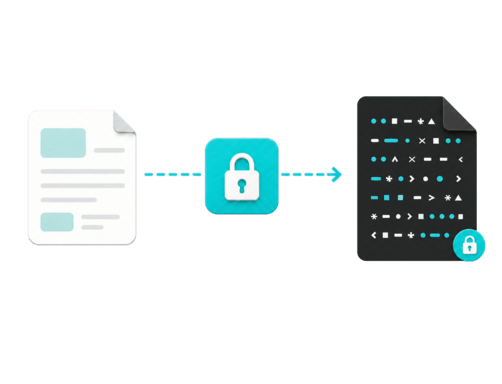
OpenVPN is a widely trusted, open-source VPN protocol that creates secure, encrypted tunnels for online data transmission. First released in 2001, it remains an industry standard for personal privacy, enterprise networks, and self-hosted setups.

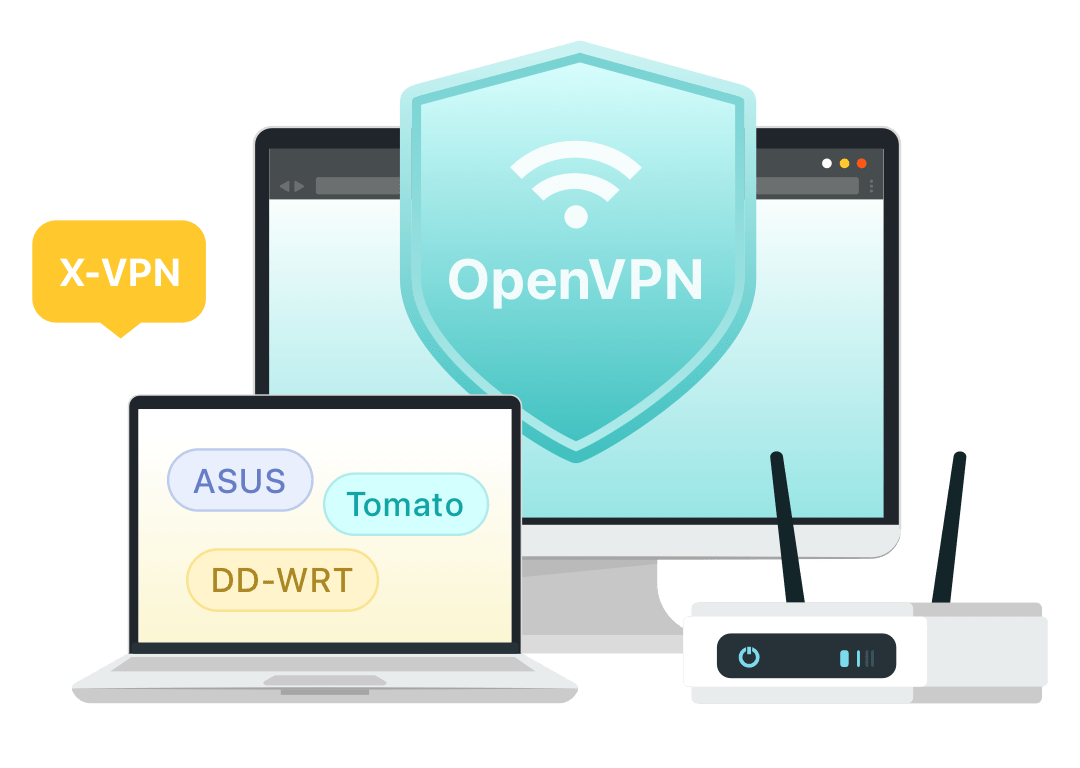
Illustration of OpenVPN providing secure, encrypted access to private networks

Why Use OpenVPN?

  • Trusted Privacy Protection: Protects your data with proven encryption standards, supported by an open-source codebase for public safety audits.

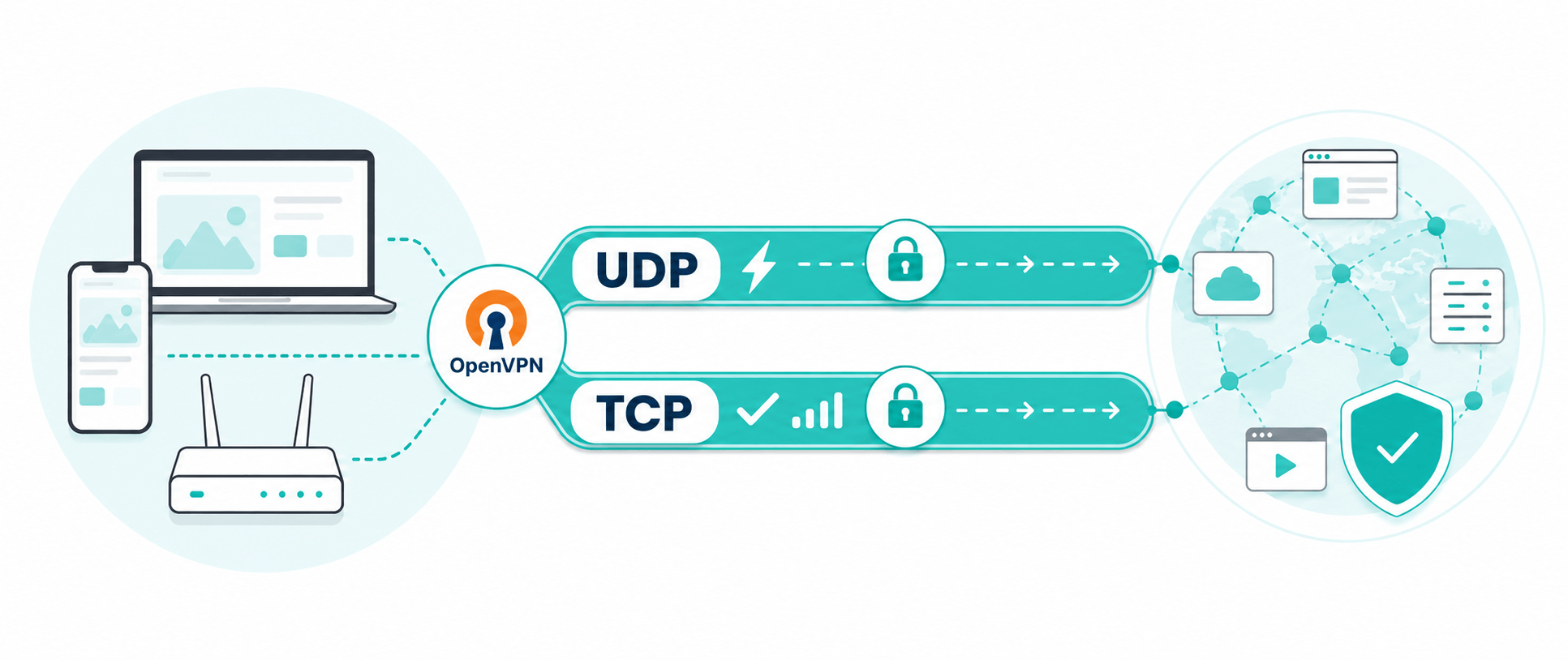
  • Flexible Transmission Modes: Adapts to various network conditions by allowing you to choose fast UDP for streaming or stable TCP for restrictive networks.

  • Broad Device Compatibility: Supports a wide range of platforms, including mobile, desktop, and routers, for consistent cross-device protection.
How Does OpenVPN Work?

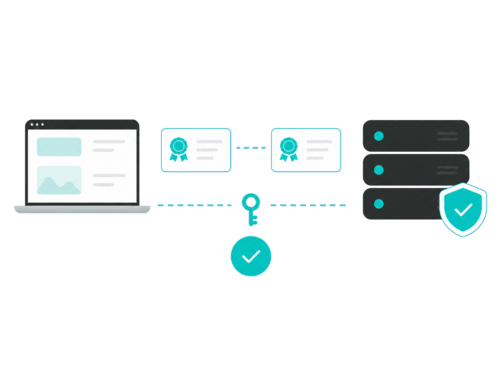
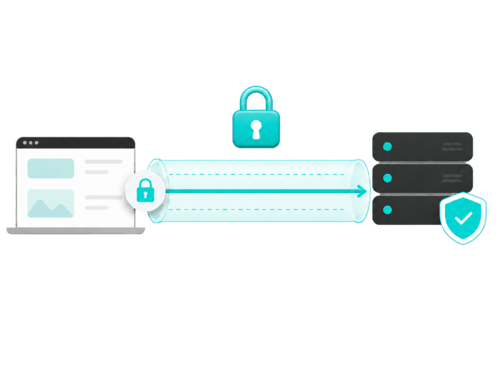
OpenVPN ensures secure data transmission through the following four steps:

Authentication

OpenVPN verifies your device and the VPN server using certificates, passwords, or secure keys to ensure only authorized connections are established.

Creating the Tunnel

Once identity verification is successful, OpenVPN builds a secure virtual tunnel connecting your device directly to the VPN server.

Encrypting the Data

All traffic passing through the tunnel is encrypted using standard libraries like OpenSSL, making your data unreadable to ISPs, hackers, and third parties.

Transmitting and Routing Data

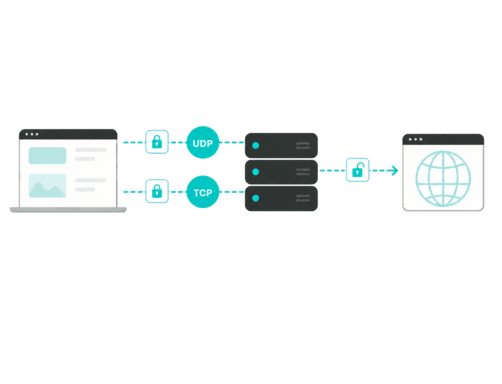
OpenVPN sends the encrypted data across the tunnel using either UDP or TCP. The VPN server then decrypts the traffic and routes it to its destination, keeping your real IP address hidden.

AuthenticationCreating the TunnelEncrypting the DataTransmitting and Routing Data

OpenVPN TCP vs. UDP

OpenVPN supports two transport protocols: UDP and TCP. The main difference lies in how they handle speed and data delivery:

Dimension

OpenVPN-UDP

OpenVPN-TCP

How It Works

Sends data directly without waiting for receipts

Confirms every data package is received before sending the next

Advantage

Faster speed and lower latency

More reliable transmission

Disadvantage

Packet loss may affect quality

Slower and may increase latency

Best for

Streaming, gaming, and daily browsing

File downloads or tasks requiring complete data delivery

For most users, OpenVPN-UDP is the better default. X-VPN supports this widely used option, which meets most everyday needs.

How to Use OpenVPN with X-VPN

OpenVPN is built into X-VPN, so no separate client or configuration file is needed. You can use it on mobile devices, Mac, compatible routers, and more. The steps below use the mobile app as an example.

01.Download

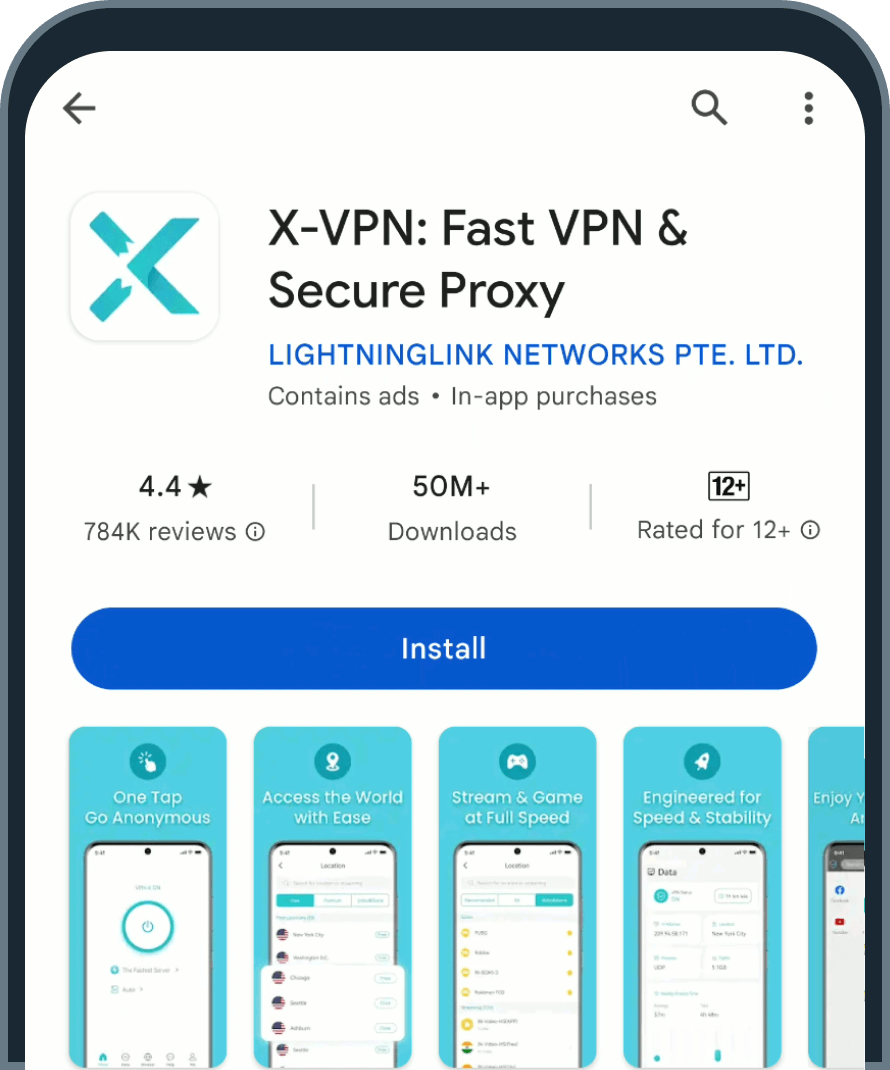
Download and install X-VPN for free. No login is required.

X-VPN download and installation page

02.Open Settings

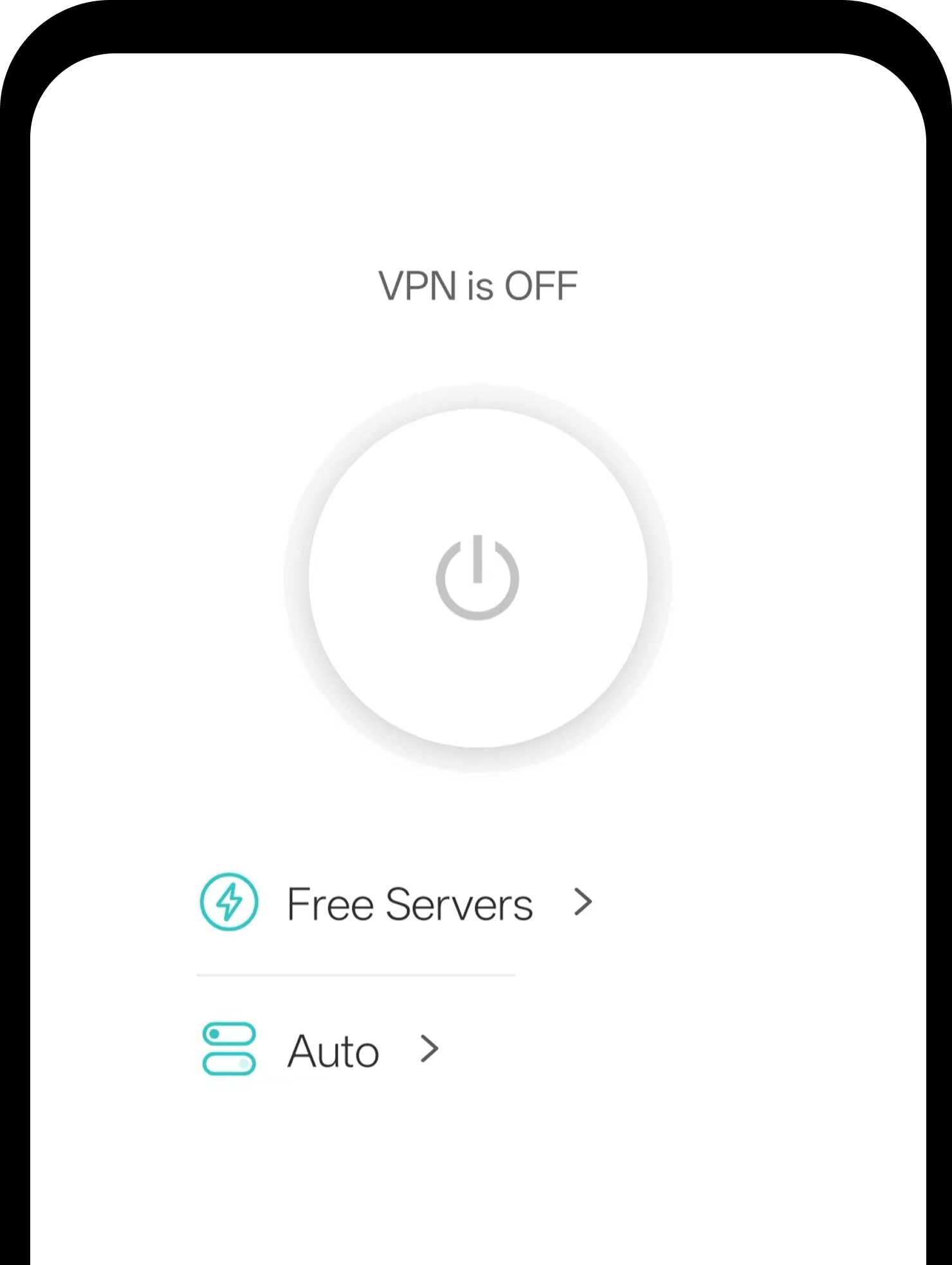
Run the X-VPN app and go to the Home page. Tap Auto in the center of the screen to open the protocol settings.

X-VPN Home screen with the Auto protocol button highlighted

03.Select OpenVPN

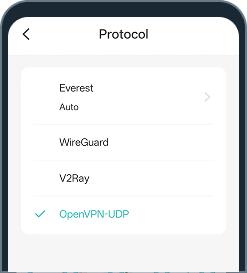
On the Protocol page, select OpenVPN-UDP.

X-VPN protocol settings with OpenVPN UDP selected

For detailed setup steps on ASUS, DD-WRT, or Tomato routers, please check our dedicated guides.

Other VPN Protocols Supported by X-VPN

Every VPN protocol has its unique strengths. Alongside trusted classics like OpenVPN, X-VPN offers a range of protocols so you can always choose the one that best fits your network conditions and specific needs.

Enjoy Trusted OpenVPN Protection in Seconds

OpenVPN remains a reliable choice for users who value security, stability, and broad compatibility. With X-VPN, you can use OpenVPN for free without the complicated setup—just select the protocol and connect in a few taps.

get x-vpn

Frequently asked questions

What is OpenVPN?

OpenVPN is an open-source VPN protocol used to create encrypted connections between your device and a VPN server. Read our complete OpenVPN guide to learn more about its security, benefits and limitations, comparisons with other VPN protocols.

Is OpenVPN free to use?

Yes. OpenVPN is open-source software and can be used for free. However, you still need access to a VPN server, either by setting one up yourself or using a VPN provider.

Is OpenVPN an actual VPN?

OpenVPN is a VPN protocol and software, not a complete VPN service on its own. It is used to create secure connections between your device and a VPN server.

How do you use OpenVPN?

You can use OpenVPN by installing a compatible client and importing a configuration file provided by a VPN server or service. With X-VPN, you can select OpenVPN UDP directly in the app without completing the manual setup.

Is OpenVPN the best VPN protocol?

OpenVPN is a strong choice for security, stability, and compatibility, but it is not always the best option. WireGuard may offer faster speeds, while other protocols may perform better in certain network conditions.

Is OpenVPN safe?

OpenVPN is generally considered secure when properly configured and kept up to date. Its open-source code can also be publicly reviewed for potential security issues.

Does OpenVPN slow down your internet?

OpenVPN may reduce speed because it encrypts your traffic and routes it through a VPN server. OpenVPN UDP is usually faster than OpenVPN TCP, but actual performance depends on your network, server, and device.